No hype. No expert act. My real setup, the stories behind it, and what I would build in your business.
Alexander, founder of Ainable
First, this
Thank you, Jayden.
For the invite, and for making this my first ever speaking event. I could not have asked for a nicer place to do it in, or better people to do it with. Genuinely grateful to be standing here.
Tonight
You leave with a setup, not a vibe.
01
My setup, piece by piece, so you can copy it.
02
Two stories: the AI creators, and a waiter named Hadi.
03
The frame: mindset, pitfalls, and what AI is actually for.
04
The teaching block: tools, loops, prompting, live systems.
05
Your quick wins, based on the answers you sent me.
06
Everything to take home: a resources page and a starter kit.
SETUP · STORIES · FRAME · SYSTEMS · YOU
Part 1 · My setup
The machine behind everything tonight.
Five pieces. None of them are complicated. The combination is what makes it feel like magic.
Piece 1 · The terminal
Where AI gets hands.
A chatbot answers you. An AI in your terminal can touch your files, run programs, and ship things while you watch.
What I use
warp.dev
A modern terminal built for working with AI. This is my home screen all day.
What friends here use
superset.sh
Same idea, different flavor. The terminal is a preference, not the magic.
Same brain · different bodies
claude.com or warp.dev? Both. Different jobs.
claude.com (chat)
Thinking. Writing, research, planning, strategy, questions. A brilliant conversation partner with no hands. Also on your phone.
Claude Code in Warp
Doing. The same brain, but with hands: it reads your files, runs commands, builds and ships. Warp is just the terminal it lives in.
The rule of thumb
Need an answer or a draft? Chat. Need something to exist afterwards: a file, a page, a system? Terminal. Most people never make this jump. Tonight you do.
The browser, done right
claude.com is not the lesser one. It is the thinking room.
What it gives you
Projects that remember your context per topic. Artifacts: interactive outputs, small working apps inside the chat. Research that reads dozens of sources for you. Files, images, and your phone.
The output difference
Chat gives you text you carry to the next step yourself. The terminal gives you files that persist: they run tomorrow, they compound, they become systems. That is the whole difference.
The engines
Claude, ChatGPT, Gemini: engines, not religions.
Claude
The best builder and writer right now: agentic work, code, long careful tasks. Everything tonight runs on it.
ChatGPT
Broad and fast: reasoning, images, voice. Most people's front door to AI, and great at it.
Gemini
Huge context, strong free tier, plugged into Google. Feed it monster documents.
Use different engines for different jobs. The workflow is the asset. The model is just the engine you swap.
Piece 2 · The engine
Claude Code does the doing.
I describe the outcome in plain language. It reads my files, writes the code, runs the commands, and checks its own work.
You, in plain language
→
Claude Code
→
Files
Terminal
APIs
Browser
Piece 3 · Skills Claude Code
Write it once. Run it forever.
A skill is a playbook written as a file: how I write proposals, how I research a market, how I build a dashboard. Nine years of knowing things, condensed into files my AI executes.
/dashboard turns any data into a live page.
/brain-dump turns a messy voice note into a build plan.
/api-docs fetches real documentation before any integration.
When I find a better way, I edit the file. Every future run improves. That is compounding most people never start.
Piece 4 · The workspace
One folder. Everything in it.
ai-command-center/
→
skills
→
projects
→
handoffs (memory)
→
docs
The folder most people miss: handoffs. Every session ends with a note to the next one. Your AI stops forgetting who you are every morning. You get this exact structure in the starter kit tonight.
Piece 5 · Voice input
I talk to my computer. Seriously.
The biggest bottleneck in using AI is not the AI. It is how fast you can get what is in your head into the machine. Typing makes you abbreviate. Speaking gives ten times the context and nuance.
What I use
superwhisper. One-time purchase, runs locally on your Mac. Press a hotkey, speak, and the text appears wherever your cursor is, including the terminal.
Free alternative
Whisper, the open source model it is built on. More technical to set up, completely free.
Every brain dump, every build request, every skill I run starts with me talking. In my setup this is not optional.
The whole stack · one slide
Your voice in. Working systems out.
Voice (superwhisper)
→
Terminal
→
Claude Code + skills + MCPs
→
Data
→
Shipped
→
Always on
→
Your phone
Everything else tonight lives somewhere on this map. When you feel lost later, come back to this slide. It is drawn out on your resources page too.
Quick pulse · hands up
Before the stories: who is in the room?
Who uses AI every day?
Who has used Claude Code, or any AI in a terminal?
Who is running agents or automations right now?
Who has no idea what half of the last five slides meant? Be honest, this talk is for you.
SETUP · STORIES · FRAME · SYSTEMS · YOU
Part 2 · Story one
The AI creators I looked up to. Still do.
December · last year
Nine years of building, gone by my own hand.
I was slowing down after quitting everything. I doubled down on AI for one reason: it matched the values my first businesses ran on. Joy. Excitement. Curiosity.
How I learned
I did not watch YouTube. I read code.
Scraped repositories, studied them to the core: the architecture, the setup, the why.
Then executed on hundreds of ideas I had carried for years.
And condensed everything I knew into skills. The folder I just showed you was born in that room.
Most builds got to eighty percent. Every one opened five more doors.
Why reaching out was hard
The world I came from taught me to trust no one.
The info space was toxic. I spent over $200K just recovering pages that were taken down weekly. So no, messaging strangers on the internet was not casual for me.
The move
So I sent them voice notes.
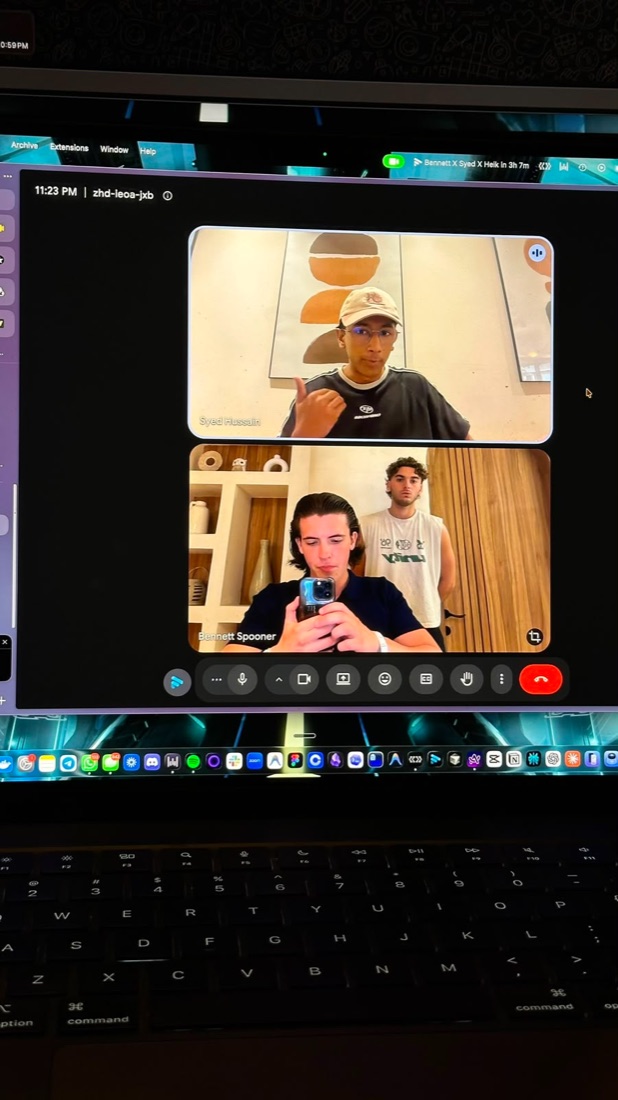
Zoom calls, screens shared, my setup against theirs. I wanted to know how much I really knew. Turns out, a fair bit.
Private groups with the AI guys you all follow.
Then one of them, after seeing my builds, asked me to become CTO of his company. I agreed.
Full circle
Then I met them all here.
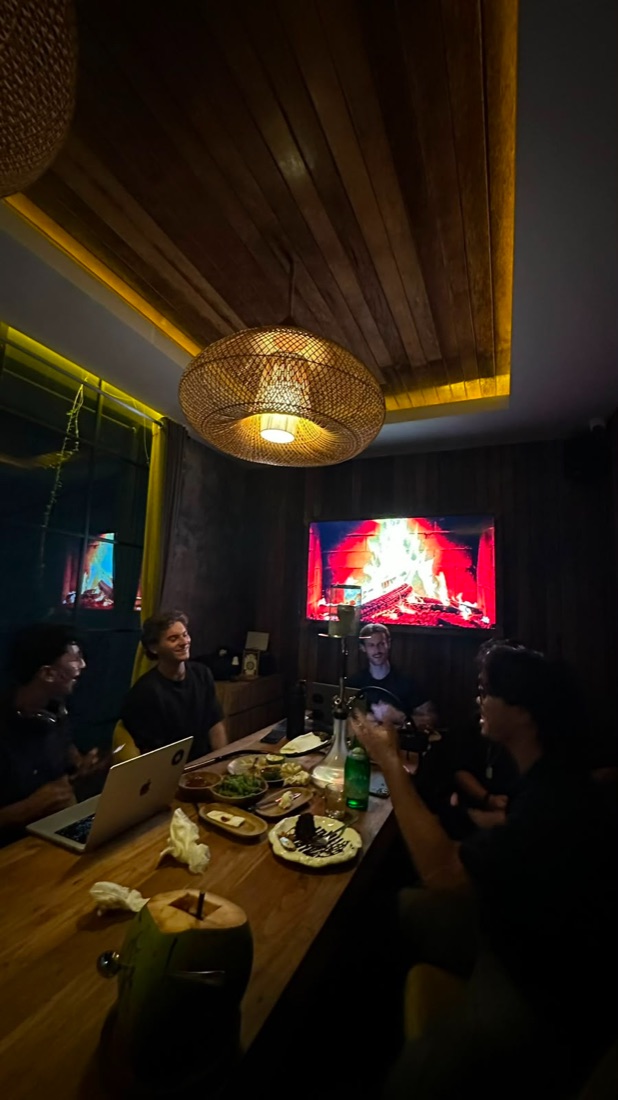
We do not align on AI. We align on the love of creating, building and growing. And one of them, mavgpt, is the reason I live in Bali at all: one voice note became a villa invite.
Part 2 · Story two
The waiter who said yes.
First month here we ate at the Hilton almost every day. Not for the food. For the staff. That is where I met Hadi.
One night I told the whole staff: "You could be hired for $1,000 a month by a US company if you learn this. It will not be easy. But you could." I gave everyone my Instagram.
One person messaged. I sent him three videos, over twelve hours each. The long road, on purpose.
Then I disappeared: three infections at once. Weeks gone. I honestly wondered if he had quit.
The comeback
"I can't wait to show you what I built."
An inventory management SaaS. Built by a waiter, in weeks. It matters zero what he built. What matters: his mind stopped putting limits on his ideas.
The real moment, on video. Click to play.
"Alex, I created magic."
Part 3 · Who I am
No sob story. The speed run.
Half Irish, half Dutch, from the Netherlands. Online since I was twelve. You are here for AI, so here is the short version.
Age 12 to 20, in one slide
Bin cleaning at 12
→
Dishes for courses
→
Campfire in France
→
10 years of theme pages
→
Consulting at 16
People wanted to pay me to teach them. I did not feel good enough. My mentor asked two questions: "Do you feel excited? Do you get them results?"
So I consulted hundreds for free for a year. You win on results. Then you charge.
At nineteen: a personal brand agency, built with my two best clients. Shoutouts, funnels, ads.
The turn
At seventeen I went deep into Human Design. Years later I built an AI tool for it. My coach, twenty years in, got more results with it in one week.
In 2025 came an awakening experience I did not plan. It took a week to recover.
Then I sold everything. Pages, coaching, content, agency. People I loved depended on it. I knew it would flop without me. I left anyway.
Which lands us back in December, where story one started. Now you have the whole map.
SETUP · STORIES · FRAME · SYSTEMS · YOU
Part 4 · The frame
Before the tools, the frame.
Three beliefs
There is no AI expert.
Belief 1
Everyone is experimenting. The people at the top included. The only score: does it achieve the goal for you.
Belief 2
You did not start an AI business. You started a business that serves specific people. AI is the how, never the what.
Belief 3
Foundations still rule. Relationships, offers, service, basics. AI amplifies them. It replaces none of them.
The map
Everything you build falls into three pillars.
01 · Problem solving
Every manual, repetitive, or draining task in your life and business: reporting, scheduling, research, follow-up. Each one becomes a skill or an automation.
02 · Capability learning
Discovering what AI can actually do: websites, automations, browser control, voice agents, whole products. Most people know five percent of this.
03 · Opportunity leverage
Systems that learn from the outside world: scrape channels, monitor markets, extract competitor intel. AI finds what you would miss.
Your homework before any code: write down every action in your business that needs manual work or manual thinking. That list is your build queue.
The pitfalls, and the antidotes
Where almost everyone gets stuck.
01 · Dopamine
Watching AI generate feels like progress. A demo is not a system.
Antidote: one question every Friday. Did it remove work from my week?
02 · Lost in the sauce
New model, new tool, new framework, daily. A quarter can vanish into switching.
Antidote: pick one stack, go deep, review what is new once a month.
03 · Losing focus
Focus is the one thing you cannot outsource to AI.
Antidote: one business, one bottleneck, one build. Finished beats impressive.
You are business owners
Roadmap first. ROI decides.
Playing with AI is addicting. You are not here to play: you are here to leverage your time, skills and abilities. So before you build anything, write a roadmap and rank every idea by one question:
Does it save time?
Does it make money?
Does it replace a hire?
Proven high-ROI first builds: dashboards on data you have, automations that were painful in make.com, market research sweeps, copywriting engines, funnel duplication.
If a build scores on none of the three: it goes to the bottom of the list, no matter how cool it looks.
The 80/20 of AI
A few boring builds pay for everything.
20%
the other 80% of what you could build
↑ two or three boring builds · almost all the returnfun, shiny, pays little
The roadmap exists to find the small block. The client report. The dashboard. The follow-up machine. Boring, and worth more than everything else combined.
A perspective
There are no levels to AI.
There are genius programmers who never make a euro. And there are people doing $500K a month selling AI voice callers to local businesses. The gap that matters is not skill. It is the distance between what you build and what your goals, vision and business actually need. Everything else is shiny objects.
The output is not the point. Your expanded mind is.
Every system you build shows you five more that are suddenly possible. It happened to me in December. It happened to Hadi in weeks. The first build matters more than what the first build is.
Speak AI · 60 seconds
Six words, the real definitions.
Agent
An AI model running in a loop with tools and a goal: it plans, acts on files, browsers and APIs, reads the results, and repeats until the task is done.
Skill
An instruction file the AI loads on demand: your process, inputs and rules, written once and run as a repeatable command.
MCP
Model Context Protocol: an open standard that connects AI to external software. A tool exposes its actions and data, and the AI calls them directly.
Agent team
Multiple agents in parallel, each with its own role and context, coordinated by an orchestrator that splits the work and merges results.
Harness
The structure around agents: rules, retries, validation and checkpoints that control how they run and catch failures.
Symlink
A file-system link that makes one folder appear in multiple places: one skills library, available to every tool on your machine.
SETUP · STORIES · FRAME · SYSTEMS · YOU
Part 5 · The teaching block
Six things I wish someone had shown me.
Everything coming up is written down on the page you get at the end. Watch, do not take notes.
System 1 · The sophisticated one
My business runs through Discord.
One of you wrote on the intake form: "Jarvis seems cool." Good news. This is Jarvis.
1 · Message in Discord
2 · Gateway routes it
3 · Claude Code + skills do the work
4 · Result lands back in Discord
# jarvis
A
Alexander
/task build me this week's client report and send it over
J
Jarvis BOT
On it. Pulling the numbers, writing the report, deploying the page.
J
Jarvis BOT
Done in 4 minutes.
Weekly report ready Live dashboard updated · summary written · link below ↓
Recreation of the real flow · I run this from my phone
System 2 · Loops and schedules
The automation recipe.
1 · A schedule fires
2 · A skill runs
3 · Data lands in Airtable
4 · Ping hits my Discord
Any repeating, rule-based chore fits this exact recipe. The honest catch: the machine has to be running. Next slide.
# daily-reports
S
Skool Watcher BOT
Good morning ☀
Daily community report Members: up again overnight · engagement climbing Full numbers landed in Airtable → row 214
Recreation · this arrives every morning while I sleep
The big debate
VPS or Mac mini? Decide in ten seconds.
Do you have an automation worth running 24/7 yet?
No
Your laptop. Free. Stay here until something earns the upgrade.
Yes · needs Mac apps or a real browser
Mac mini. Your full setup, always on, one-time cost, sits in a drawer.
Yes · pure code and scrapers
VPS or cloud scheduler. A few euros a month, on forever, reachable from anywhere.
The rule: never buy hardware for automations you have not built yet.
System 3 · Speed
A live dashboard, in minutes.
Two of your intake forms asked for exactly this. It is the best first build there is: the data already exists, and nothing in your business can break.
This is not a screenshot. It is live, right now, built with the exact workflow from tonight. Scroll it.
System 4 · Your money, readable by AI
Let AI read your finances.
Bank accounts (business + personal)
→
Fintable syncs them
→
Airtable
→
AI reads it
Once your money has an address, AI does real work: a live finance dashboard, weekly spending reports, runway math.
Same data, next step: client invoices generated for you.
Your AI gets read access through the sync: it never touches the bank itself. I run my entire finance OS this way.
The framework to take home
The Delegation Ladder. Every task climbs it.
1Do it · you, by hand, like always
2Document it · write the process down once: that is a skill
3Hand it to AI · the skill runs it while you watch
4Schedule it · it runs without you. It stopped being your task
Take any chore from this week and ask: which rung is it on, and what moves it one up?
Action · do this
Pick one chore you did this week. Move it one rung up the ladder before Friday.
Doing it? Document it. Documented? Hand it to AI. Handed over? Schedule it.
Quick pulse · round two
Halfway. Where are you now?
Who could see themselves running the Discord setup I just showed?
Who already keeps business data in Airtable, Sheets or a CRM?
Who records their meetings or sales calls?
Who has an agent working for them while they sleep? If your hand is up, tell us in 30 seconds.
The connector layer
MCPs: how AI plugs into your tools.
An MCP is a plugin that gives your AI native access to a service. No API code, no copy-pasting between tabs. You connect it once, and your AI can just use the tool.
You speak
→
Claude Code
→
MCP
→
Notion · Search · Browser
→
Result back to you
Start with three: Notion (your second brain), Perplexity (live web research from the terminal), Playwright (your AI gets a browser: log in, scrape, fill forms).
You will not install these by hand: the setup wizard in tonight's kit connects them for you.
The toolbox
Every tool has one job.
GitHub
Saves every version of your work. Your undo button for everything.
Vercel
Puts your work on a live URL in one command.
Airtable
A spreadsheet your AI can read and write. Your data's first home.
Supabase
The grown-up database, when Airtable starts creaking.
GoHighLevel
Funnels, CRM, email and SMS in one box. AI can drive it.
Close
A clean CRM for pipeline and follow-up, pure sales.
Zapier · Make · n8n
Visual glue between tools. Fine for simple pipes.
Trigger.dev
Runs code on a clock in the cloud, so your laptop can sleep.
You do not need all of these. You need to know which job each one does. Full plain-language rundown is on your resources page.
Prompting · my actual workflow
The first prompt is never a prompt.
Voice brain dump (superwhisper)
→
5 rounds × 20 questions
→
First principles pass
→
Then build
The dump sounds like
"I want a client dashboard, pulls from GoHighLevel, shows ad spend, mobile, clients get a login, weekly email maybe..."
The AI asks back
"Which numbers drive decisions? Who looks at it, you or the client? What already stores this data? What must NOT be visible to clients?"
What changes
Half the features die. The real build shrinks to one screen with four numbers. It ships in a day instead of a month.
Action · do this
Tonight, before bed: talk through one build idea into your phone for ten minutes. Messy is fine.
That recording is your first /brain-dump the moment the kit is installed.
Building skills
Two directions. Then you stack them.
Back to front
Trial-and-error in the terminal until it works. Then one sentence: "condense everything we just did into a skill." The mess becomes a playbook.
Front to back
Write the playbook first, like a job description. Then refine it by running it. Best when you already know the process cold.
Skills stack. One main skill calls others as subskills: my content skill calls my research skill, which calls my scraping skill.
You design the behavior: interview me before starting, or always read from my data first. You write it that way once.
The Leverage Stack
One hour, once. Rent, forever.
1 hour, once
month 1
month 2
month 3
month 6
A skill is digital real estate. You build the asset once, it pays rent every week, and the rent goes up every time you improve the file. Most people never start collecting.
Keeping up
I do not follow AI news. My machine does.
Schedule fires
→
Scrape rising repos
→
AI reads the code
→
Compares to MY goals doc
→
Suggests full builds
Same recipe with YouTube transcripts, mostly from smaller channels: that is where the real alpha hides.
Do not chase the feed. Build a system that filters the world against your goals and hands you only what matters.
One habit that saves hours
Never let AI guess an API.
Building something with Calendly, your CRM, a payment tool? The model's memory of their API is probably stale. Guessed endpoints fail silently and eat your afternoon.
Find the official docs
→
Save them locally
→
AI reads the saved docs
→
Then integrate
In the starter kit this is one command: /api-docs calendly. And the kit ships with a library of pre-collected docs for the most common tools, so for those you skip the step entirely.
SETUP · STORIES · FRAME · SYSTEMS · YOU
Part 6 · Now, you
I read every one of your answers.
This room runs marketing agencies: renovations, brokers, contractors. And your answers rhyme.
Your struggles, your words
"Manual reporting, checking each client's ad account by hand." "Sales and lead flow." And my favorite: "No clue how AI could actually solve my issues."
Your dream builds
A client dashboard. An AI version of you for reporting and check-ins. A machine that finds leads, nurtures them, and books sales calls.
Your win tonight
In your own words: "a clear plan." The next slide is exactly that.
Use cases · for this exact room
Your first build is on this slide.
Serve
Client dashboard per client, live numbers, no more screenshots.
Serve
AI CSM: the AI version of you for reporting, check-ins and client questions.
Watch
Account watchdog: checks every client ad account daily, pings you on anomalies.
Content outlier finder: mines your niche for proven formats, keeps the idea pipeline full.
Create
Calls to copy: transcribe sales calls, turn objections into marketing content.
Operate
Onboarding automation: from signed to set up without you touching it.
Operate
Funnel duplication: clone a proven funnel structure for a new client in hours.
Action · do this
Write your build queue: every manual task in your business, ranked by the three questions. Time. Money. Replaces a hire.
Before you open a single tool. The list decides what you build, not the demos.
Quick wins · this week
Start here. One evening each.
Win 1
A dashboard on data you already have: ad accounts, CRM, sheets. You watched it take minutes.
Win 2
One home for your data. Airtable first. Everything AI does gets easier once your data has an address.
Win 3
Automate the weekly client report. The exact chore two of you named on the form. Recipe: schedule, skill, Airtable, ping.
Quick wins · install tonight
Three apps before you even touch AI.
Akiflow
One inbox for everything. Tasks, calendar, and every "can you quickly..." in a single keyboard-first command bar.
Beeper
All your chats in one app. WhatsApp, Instagram, iMessage, Telegram together, and your AI can plug into it later.
Arc
A browser built like a workspace. Profiles, spaces and tab hygiene that make the rest of this setup feel calm.
None of these are AI. All of them clear the desk your AI is about to work on.
Before you scan anything
Here is what you are about to get.
The takeaways
This whole talk as short pages, three minutes each.
These slides
The full deck, clickable, whenever you want it.
One-command install
Mac or Windows: Claude Code, my folder structure, my skills, in one paste.
The AI interview
A wizard connects your tools, then Claude interviews you and personalizes everything.
API docs library
Pre-collected docs for 45 tools, so your AI never guesses.
Who to follow
The creators worth your feed, with hand-picked videos.
The QR code is on the next slide. Cameras ready.
Everything tonight, yours.
Six short takeaway pages, and a one-command install: my folder structure, my skills, a wizard that connects every tool, and an AI interview that personalizes it all to your business.
resources.ainable.net
Password: magic
One honest offer
No funnel. No discovery call.
After tonight, ask me anything on WhatsApp: +31 6 22 58 46 48 (or through the group). Free, no catch.
Want to go deeper? Message me and we will look at your business together: what to build, how to build it, and how to stay off the dopamine treadmill.
Custom builds together are a separate conversation with their own scope.
Now go create magic.
resources.ainable.net · password "magic"
EDITClick text to edit · click any element to select it (then Delete selected, or press Delete) · drag free elements to move, blue dot resizes · click a dashed tile to insert its image · Alt-click an image removes it · timers: click to start/pause when presenting, double-click resets. Autosaves in this browser; Export = backup file.



 warp.dev
 claude.com (chat)
 ai-command-center/
 What I use
 Data
 Shipped
 Always on
 Your phone




 Notion · Search · Browser
 GitHub
 Supabase
 Zapier · Make · n8n
 Front to back
 Akiflow
 Arc
 These slides